Polylithic Controls
The keys that keep a hunt from becoming a refund.
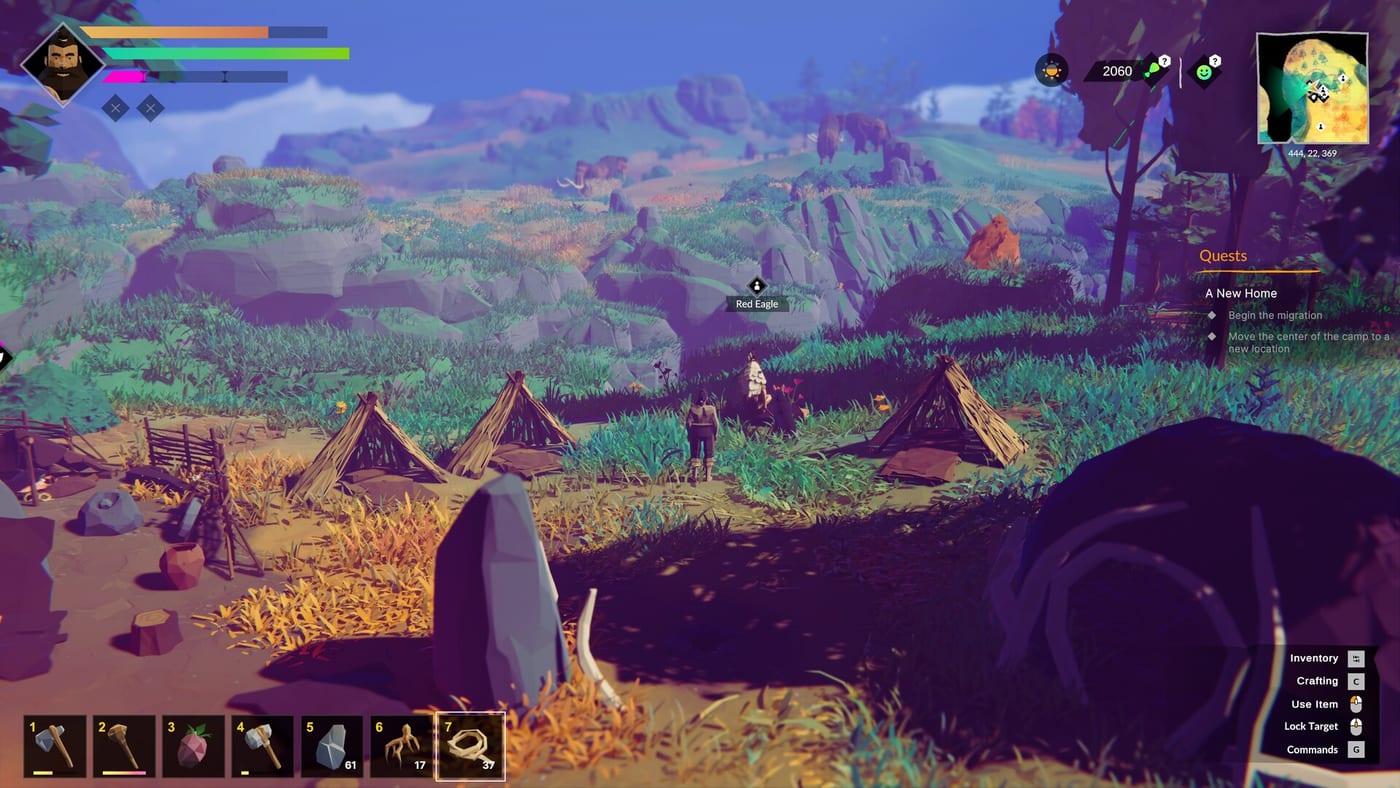
Polylithic ships with full controller support, including DualShock and DualSense, and a keyboard layout that still assumes you will hold a button to pick every berry. This page is the practical map. It is not a screenshot of the official overlay. If a prompt on your screen disagrees, trust the prompt. If the prompt is frozen, trust the review and restart.
Learn these before you take the first hunt. Rolling away from a boar is more useful than knowing the lore word for the dream.
Keyboard defaults that still matter
WASD or arrows move. Space rolls. Shift sprints. Left Control crouches for stalking caribou and for not announcing yourself to a bear. Mouse aims and turns the camera. Left click is the everyday interact-with-violence key once a weapon is in hand.
Tab opens inventory. C opens crafting. T opens the technology tree. Q opens the quest log. M opens the world map. E interacts. Escape opens the big pause cluster: settings, codex, and the menus you will swear were on another key.
Alt cycles nearby world items. Use it when a corpse, a twig, a quest sparkle, and a storage box occupy the same square of dirt. It is one of the better ideas in the game and it is easy to forget because nobody teaches it after the dream.
Hold to gather, and why people hate it
Many world pickups want a held E rather than a tap. Launch and late Early Access reviews call this out as busywork. Check settings for a toggle. If none exists in your build, accept the hold and do not stand in a bison lane while the bar fills. Gather with your back to a tree or a rock so a boar has to earn the cheap shot.
Saving is a control
Autosave around every ten minutes is not a plan. Place a sleeping bag or bed inside a hut. Interact and look for the sleep versus save swap — older builds used Alt in that prompt. If the bag will not sit in open grass, that is expected. Settlement covers why a house is part of the save ritual.
After a long session, save before you open storage. Frozen inventory buttons are a known 1.0 insult. A bed click is cheaper than retaking a mammoth.
Controller notes
The game advertises full gamepad support. Expect the face buttons to cover confirm, cancel, and interact, with a shoulder or pad mapping for inventory and craft. Recalibrate camera sensitivity before a hunt. A slow look is safer than a flick into a saber-tooth. If you play on a television, sit close enough to read the small hold prompts. They are easy to miss in pretty lighting.
Co-op on a mix of pads and keyboards works. Agree who is calling targets, because voice will be faster than anyone finding the emote wheel. Emotes exist. They will not unstuck a villager in a river. Taming commands are their own small language; learn those after the camp can eat.
Accessibility of the mundane
You can pause. You should pause. The plains are not a speedrun. If hold-to-gather hurts your hands, batch picks and take breaks. If the dream tutorial already exhausted you, skip the rest of the cinematic thinking and go to the checklist. The controls are here to keep you alive, not to prove you memorized a chart.
Once the keys are in muscle memory, go back to getting started and play the hour you actually came for.
Frequently Asked Questions
Quick answers to the most common questions.
How do I open crafting in Polylithic?
Press C on keyboard. Controller users should open the radial or pause cluster and look for the craft icon.
How do I save the game?
Use a bed or sleeping bag inside a hut. Do not trust the ten-minute autosave alone.
What does Alt do?
It cycles nearby world interactions when several objects overlap. It may also swap sleep and save on a bed prompt.
Is there full controller support?
Yes, including DualShock and DualSense. Recalibrate look speed before a hunt.